target-size.jpg100 KB
50 KB100 KB200 KB
2.4 MB → 98 KB−96%
Exact Target Size
Set a precise KB limit for forms, email, and uploads — not vague “make it smaller” compression.
Free · No signup · Online image tools
ImageToolkit helps you compress images to an exact KB target, convert formats, remove backgrounds, watermark, and resize — free, no account, no watermark on exports.
Exact KB compression, format conversion, backgrounds, and more.
Set a precise KB limit for forms, email, and uploads — not vague “make it smaller” compression.
Compress one image or many files at once, then download a ready ZIP without leaving the workspace.
Convert between PNG, JPEG, WebP, and more so every image matches the format your destination needs.
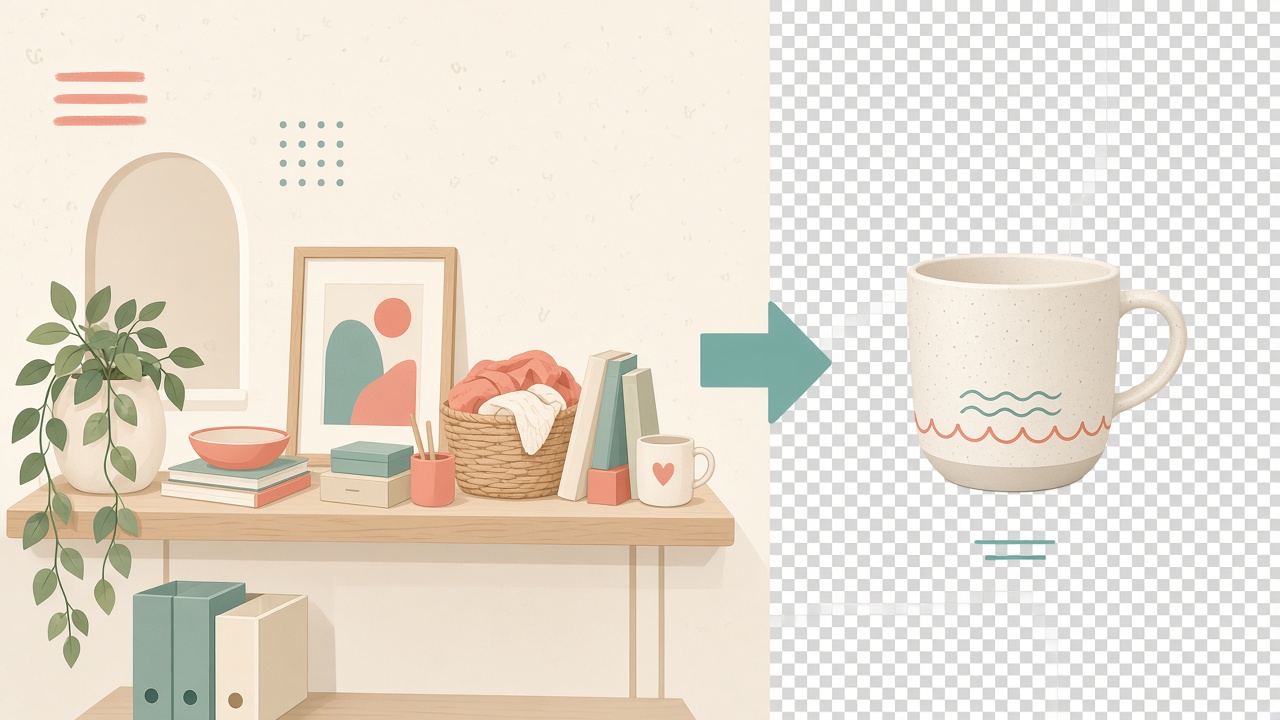
Remove or replace backgrounds with a clean cutout preview — built for product shots and profile photos.
No signup wall and no permanent gallery. Images are processed for the request over HTTPS, then discarded.
Compress, resize, watermark, OCR, downloaders, and more — plain browser tools that work without an SDK.
Hit a specific KB limit for forms, email, and app uploads — not vague “smaller” compression.
Open the tool and compress. No account, no email wall, and no paywall for core features.
Compress one image, many files into a ZIP, or fetch public image URLs — all in one workspace.
ImageToolkit processes on the backend and returns a downloadable result ready for your limit.
Requests use HTTPS so your uploads travel over an encrypted connection while they are processed.
Images are handled for the request — ImageToolkit does not keep a lasting library of your uploads.
See how ImageToolkit stacks up against typical image tools — exact KB targets, free to use, and no account required.
Compress, convert, edit, and download — free tools that run without an account or watermark.
Straight answers about privacy, formats, and limits.
Yes. Single-file drag-and-drop, bulk upload, and URL fetch all send image data to the ImageToolkit FastAPI backend for compression. Optional prep work like crop, rotate, and resize runs in your browser first. Images are processed for the request and are not saved to a permanent gallery.
Common input formats include PNG, JPG/JPEG, WEBP, BMP, GIF, and TIFF. Compressed output is JPEG so ImageToolkit can reliably reach your target file size.
Single uploads, each file in bulk uploads, and URL-fetched images are limited to 15 MB per image. Combined bulk uploads are limited to 50 MB total, and URL fetches time out after 10 seconds.
No. ImageToolkit does not keep a permanent library of uploads. Images are processed in memory for the compression request and deleted afterward. There is no account system and no browsable gallery.
Exact target size is useful when a form, email system, or marketplace enforces a hard KB limit. A vague compress button may still fail those checks. With ImageToolkit you aim for 150 KB, 200 KB, or whatever your limit requires.
Yes. Upload a single file, queue up to 20 files for bulk ZIP compression, or paste up to 20 public image URLs when the files are already online.
Yes. ImageToolkit is free to use with no signup required and no paywall. You can also run it locally with the open-source frontend and FastAPI backend.
Our Blogs
Explore our blog for insightful articles, personal reflections and ideas that inspire action on the topics you care about.
Background
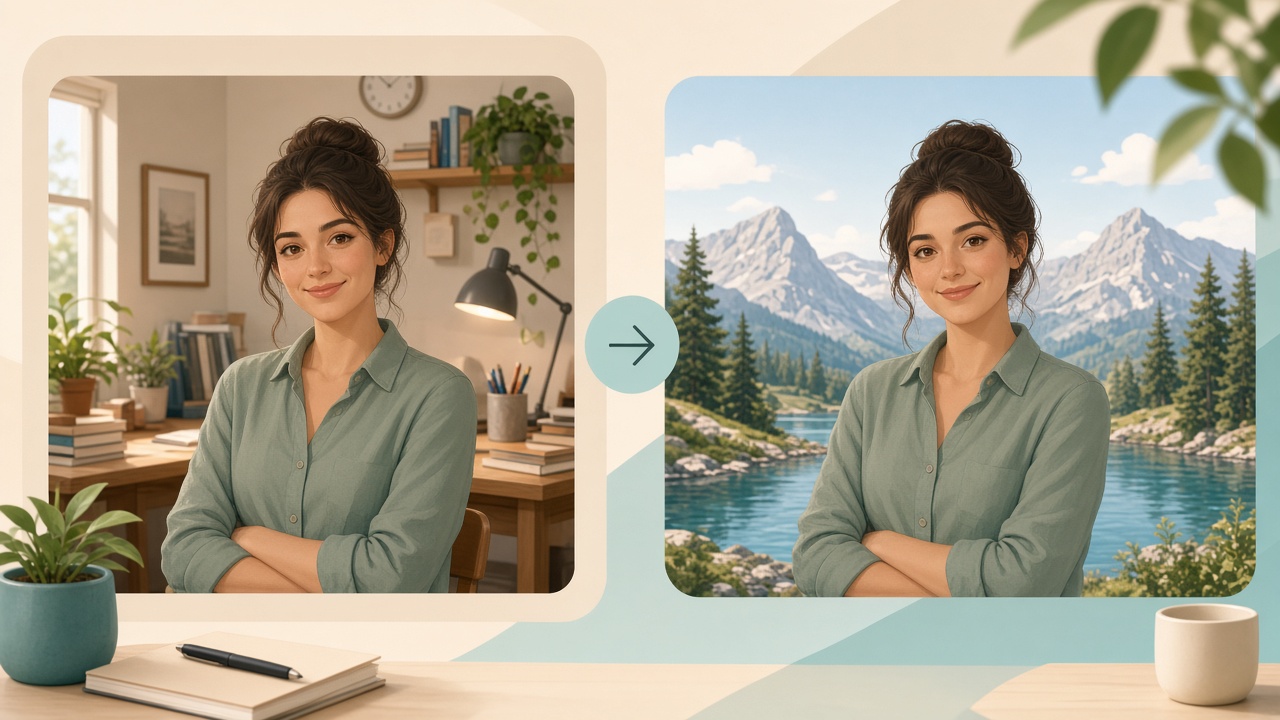
Step-by-step guide to replace image background online with ImageToolkit Background Replacer: upload subject and backdrop, compose in the visual editor, and download a finished PNG.
 Aliyan Sahil5 Min Read
Edit & Transform
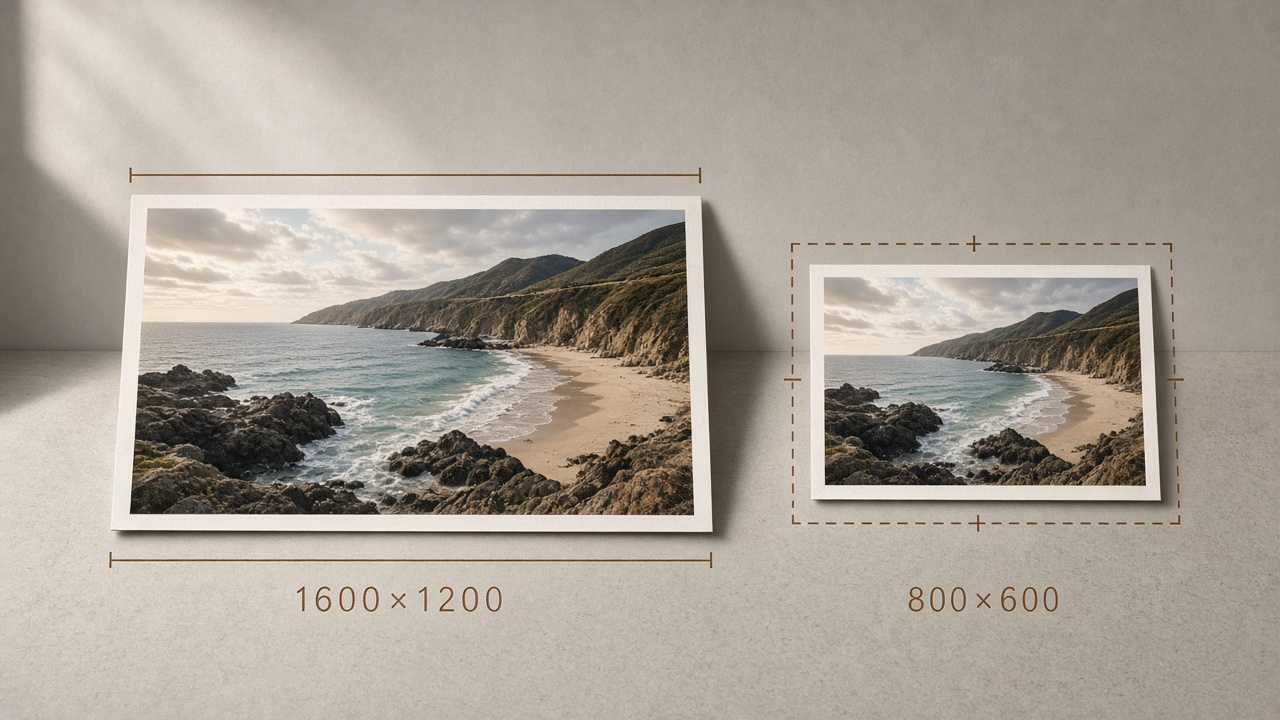
A practical resize workflow built around exact pixel inputs, fit modes, and honest upscale advice — plus the sizes people actually need for thumbnails, forms, and profiles.
Aliyan Sahil9 Min ReadConvert
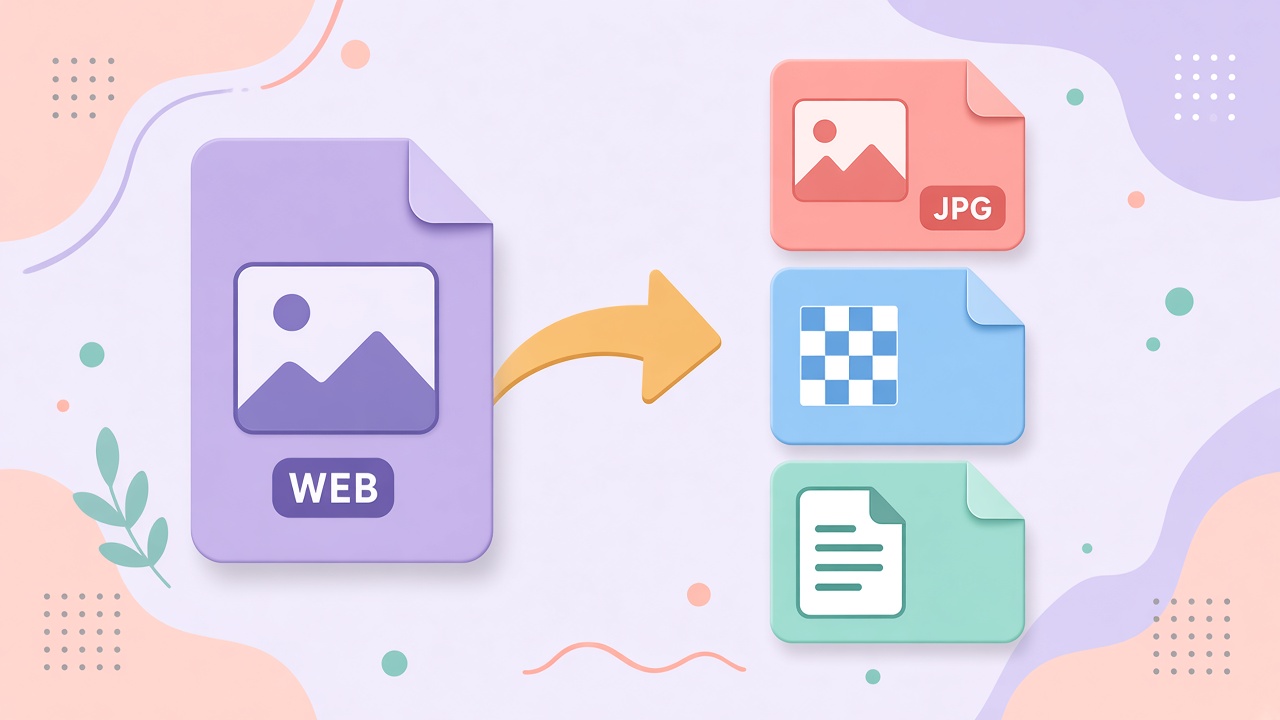
Rank for real search demand: convert WebP back to JPG or PNG when uploads fail, shrink photo PNGs to JPG, and pick WebP only when the site can use it.
Aliyan Sahil6 Min ReadEdit & Transform
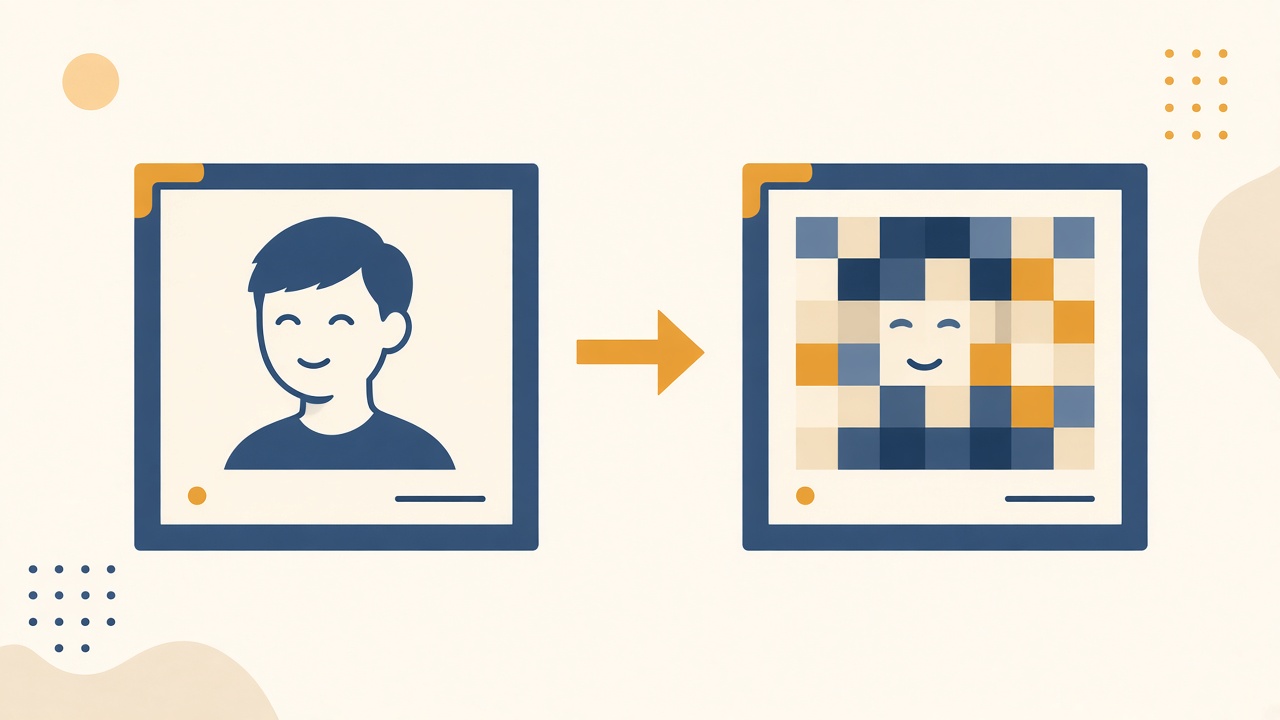
A practical privacy walkthrough on when mosaic pixelation beats a soft blur, how to cover a face or number without wrecking the whole photo, and a simple ImageToolkit region workflow.
Aliyan Sahil5 Min ReadOCR & Extract
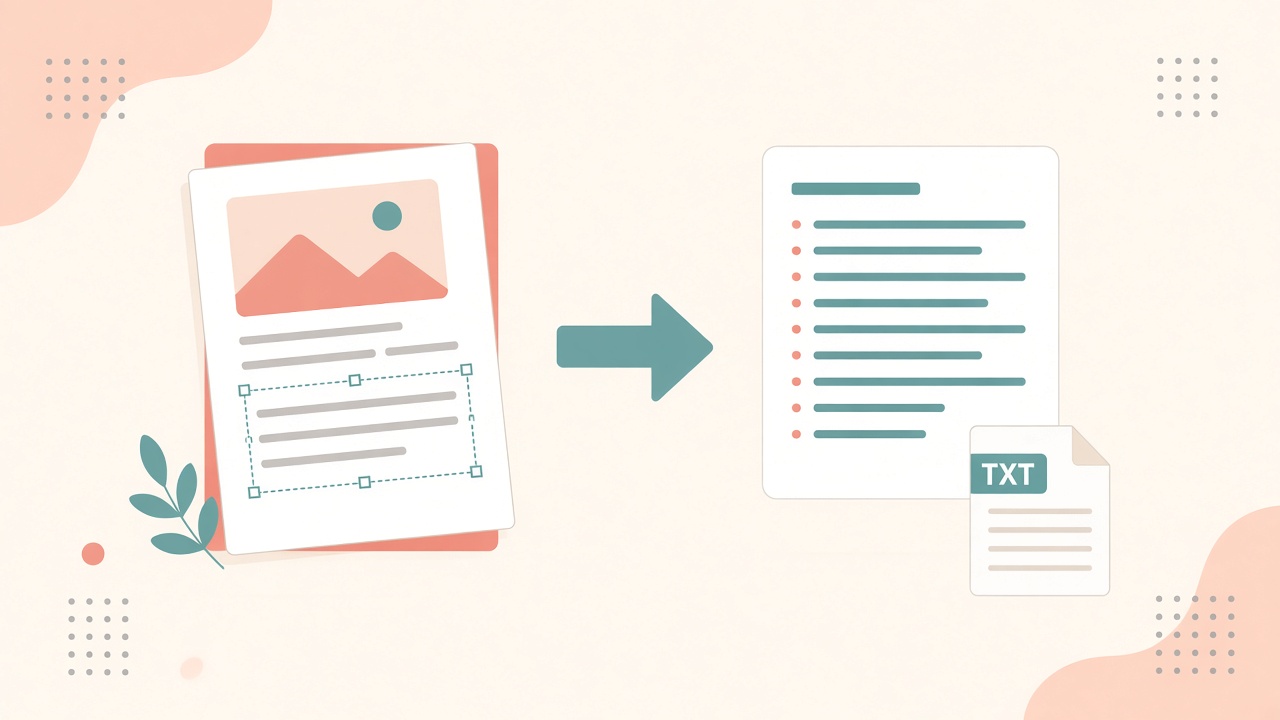
Rank-ready guide to extract text from image, convert image to text, and copy text from pictures with free OCR online — plus what works best for English screenshots and scans.
Aliyan Sahil6 Min ReadBackground
A practical guide to remove an image background, understand transparent PNGs, handle tricky edges, and prepare cutouts for listings, profiles, and layouts.
Aliyan Sahil5 Min Read